
Published 19 October 2026 · Written for resellers, distributors, system integrators and corporate IT and procurement buyers across the UAE, GCC, CIS, Africa, Europe and Asia.
Quick answer: A Lenovo all in one PC Dubai buyers choose for front office work is usually a ThinkCentre neo 30a, M70a or M90a. These units suit reception desks, nurse stations, retail counters and teacher desks because they need one power cable, mount on a VESA arm and ship as one standard SKU. PRONTO Group supplies them in bulk from Dubai.
- All-in-one PCs win in public-facing spaces where cables, space and appearance matter more than upgrade options.
- Lenovo’s ThinkCentre AIO range runs from the value neo 30a to the M90a for managed corporate fleets.
- Specify by sector: touch for retail and healthcare, privacy and webcam shutters for reception, vPro for managed estates.
- Order one standard SKU per role, from one batch, with the mounting kit on the same purchase order.
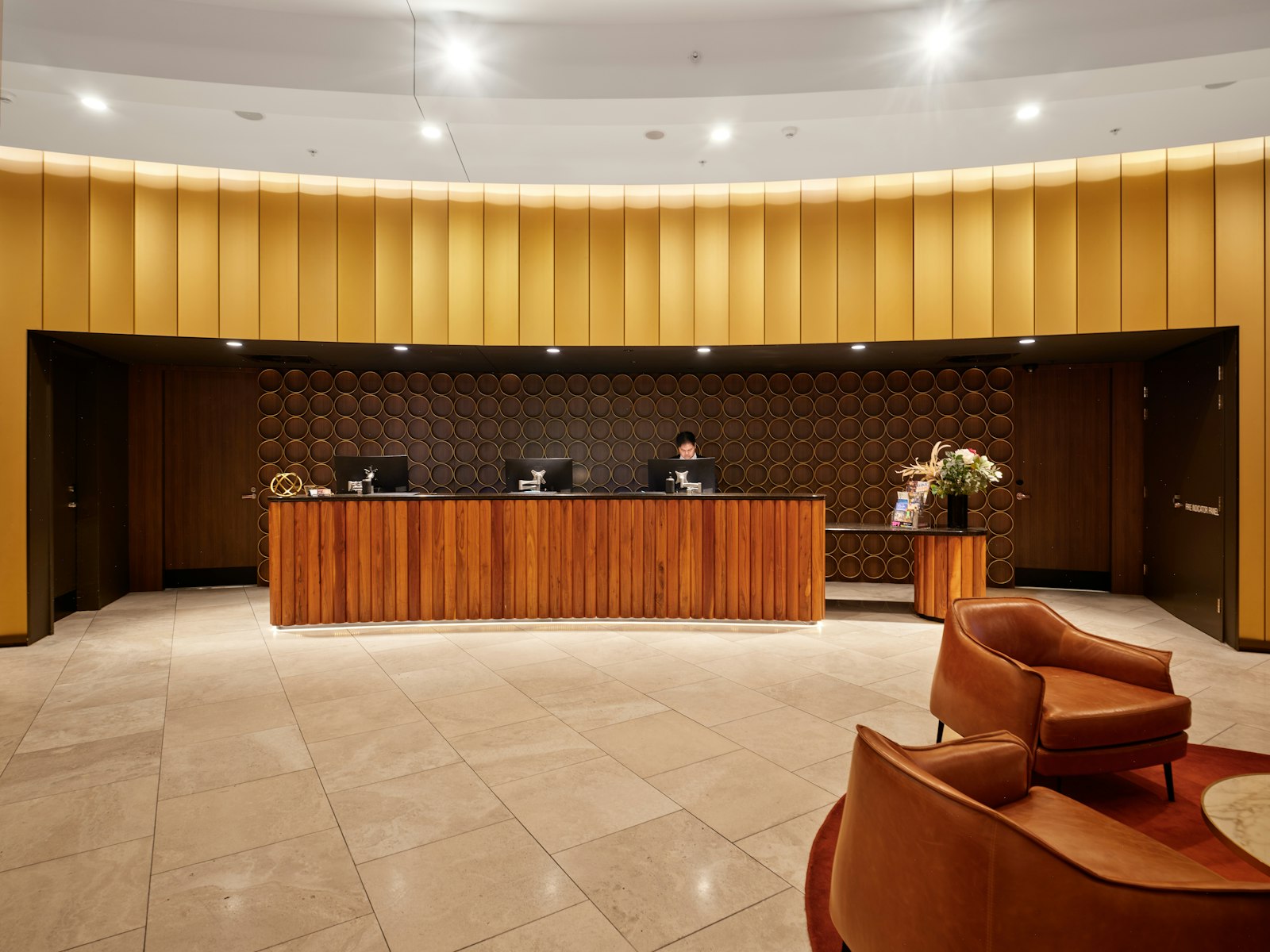
Hospitality, healthcare and retail buyers face the same problem at the front desk. Space is small, the public sees the equipment, and cables look untidy. An all-in-one PC solves this in one unit.
This guide covers where Lenovo AIOs fit by sector, how to specify them and how to order them in volume from our Dubai wholesale desk. For the format comparison itself, see our earlier guide to Tiny-in-One versus All-in-One.
Where does a Lenovo all-in-one PC make sense in a business?
Direct answer: An all-in-one PC makes sense wherever the computer sits in a public or shared space, stays in one place for years and does not need internal upgrades.
The decision is about the location, not the processor. A back-office analyst can use a ThinkCentre tower or SFF under the desk. A receptionist, nurse or cashier cannot. The table below maps the common deployments we quote from Dubai.
| Deployment | Why AIO fits | Suggested Lenovo model | Options to specify |
|---|---|---|---|
| Hotel reception and concierge | Visible to guests, limited desk depth, one cable | ThinkCentre M70a or M90a | Webcam shutter, VESA arm, wired keyboard |
| Clinic nurse station | Frequent cleaning, shared by shifts, wall mount | ThinkCentre M70a or neo 30a | Touch screen, sealed keyboard, vPro |
| Retail counter and showroom | Customer-facing, POS peripherals, small footprint | ThinkCentre neo 30a | Touch, serial or extra USB ports, security slot |
| Classroom teacher desk | Fixed position, projector output, tidy cabling | ThinkCentre neo 30a | HDMI out, wired network, lockable stand |
Which ThinkCentre AIO model should you specify?
Direct answer: Choose neo 30a for value front-office roles, M70a for mainstream managed fleets and M90a where vPro, longer lifecycle and premium build are required.
Lenovo keeps three tiers in the commercial AIO line: neo for cost-led small business, M70a for managed mainstream fleets, and M90a for the longest platform stability with vPro. Configurations change by quarter, so confirm against Lenovo PSREF before you quote.
| Tier | Model family | Best for | Typical lifecycle |
|---|---|---|---|
| Value | ThinkCentre neo 30a (22, 24 and 27 inch) | Retail, education, small clinics | Shorter platform cycle, cost-led |
| Mainstream | ThinkCentre M70a | Hotels, offices, shared desks with central management | Stable platform for fleet imaging |
| Premium managed | ThinkCentre M90a | Corporate reception, healthcare estates with vPro policies | Longest stability and support options |
Current regional availability and configurations are listed on the Lenovo ThinkCentre range page for the UAE. Our Lenovo all-in-one page shows the lines we quote from Dubai as ready stock or project supply.
What options matter most for front-office AIO deployments?
Direct answer: Touch, webcam privacy, mounting, port mix and remote management decide whether an AIO works at the desk, so settle them before the purchase order.
Mounting: most AIOs take a 100 mm VESA mount. A monitor arm lifts the unit off the counter and hides the power cable. Order arm, cable cover and lockable stand on the same purchase order.
Touch and cleaning: touch and non-touch units are separate SKUs, so confirm the part number. For clinics, add a sealed keyboard and check the display tolerates standard cleaning agents.
Privacy and security: specify a webcam shutter, a lock slot and, for managed estates, Intel vPro. The same rules apply to the Tiny-in-One format when a client prefers a modular unit.
Ports: count the scanner, receipt printer and card reader at each desk and check USB and serial needs. Second-screen choices are covered in our ThinkVision rollout guide.
How do you order Lenovo AIOs in bulk from Dubai?
Direct answer: Order one standard SKU per role, request a single production batch, add mounting kits and spares, and confirm the warranty region and keyboard layout for the destination.
A 40-room hotel might need 12 AIOs; a clinic group might need 150 across 20 sites. In both cases build the order around a few standard SKUs, not a configuration per desk.
- Define one SKU per role, for example reception, nurse station, retail counter.
- Ask the distributor to supply each SKU from one batch so BIOS and driver levels match.
- Add VESA arms, locks, keyboards and spare units at 2 to 5 percent on the same order.
- Confirm keyboard layout (Arabic and English, French, Russian) and OS licence for the destination.
- Agree staged delivery per site with a delivery note listing serial numbers.
The batch rule matters because an AIO is sealed. If one site receives a different revision, IT cannot swap a part to match the fleet image. Our ThinkCentre tower versus SFF guide explains the same principle for desktop fleets. Units ship on pallets from our Dubai hub, described on the supply and logistics page, with ready stock lines leaving fastest.
What are the trade-offs of choosing an AIO over a desktop and monitor?
Direct answer: You trade upgrade flexibility and independent replacement for a cleaner desk, simpler installation and lower cabling cost.
If the display fails, the whole unit is out of service until replaced under warranty. If the client plans to swap monitors or upgrade later, a Tiny desktop with a separate ThinkVision monitor fits better. For public-facing desks that stay the same for four to five years, the AIO trade-off is usually worth it.
- AIO advantages: one cable, small footprint, clean appearance, fast installation, fewer parts to track.
- AIO limits: sealed design, display and PC share one warranty event, limited internal expansion.
- Best fit: reception, nurse stations, counters, teacher desks, kiosks and shared desks.
- Better as Tiny plus monitor: engineering seats, multi-monitor desks, sites planning staged upgrades.
More desktop and workplace guides are in our business computing insights and the insights hub.
Bringing it together
Lenovo all-in-one PCs give a tidy, professional computer in a space the public sees. Pick the tier by management needs, settle touch, mounting and privacy early, and order one SKU per role from one batch. To price a rollout, send desk counts per role and destination through the quotation page and we return matching SKUs, accessories, stock position and lead time.
Frequently Asked Questions
Which Lenovo all-in-one is best for a hotel reception desk?
Most hotel groups specify the ThinkCentre M70a or M90a for reception. They offer a webcam with a physical shutter, VESA mounting for a monitor arm, enterprise manageability and a stable platform for fleet imaging. The neo 30a suits smaller properties with a tighter budget.
Can Lenovo AIOs be wall mounted at a nurse station?
Yes. ThinkCentre AIOs support a standard 100 mm VESA pattern, so they mount on wall brackets or articulated arms. Order the bracket, cable cover and a lockable stand with the units, and choose the touch variant if clinical staff will use gloves or need quick input.
Are touch and non-touch AIOs the same part number?
No. Touch and non-touch models are separate SKUs with different displays. Confirm the exact part number on Lenovo PSREF before ordering, especially for retail and healthcare projects where touch is often assumed but not written into the bill of quantities.
How many spare AIO units should a multi-site rollout include?
A common range is 2 to 5 percent of the fleet, held centrally or at the largest site. Because an AIO is sealed, a spare unit is the fastest way to restore a public-facing desk while a warranty case on the original unit is processed.
Can PRONTO supply Lenovo AIOs outside the UAE?
Yes. We supply Lenovo ThinkCentre AIOs from Dubai to GCC, CIS and African markets with the correct regional warranty, keyboard layout and export documents. Share the destination with your enquiry so we confirm the right regional SKU and lead time.
Planning AIOs for reception desks, clinics, stores or classrooms? Share the desk count per role and the destination with our Dubai wholesale desk. Request a quotation or ask for the current Lenovo stock list.
📞 Call / WhatsApp: +971 50 852 4210
🌐 Website: pronto-grp.com
📍 Burjuman Business Tower, Bur Dubai, Dubai, UAE
Product lines we quote from Dubai as ready stock or project supply.
Lenovo All-in-One PCsTiny-in-OneThinkCentre desktopsReady stock